
Norwegian Subsea releases free firmware upgrades for the MRUs. To upgrade your MRU unit, follow these steps:
-
Download the latest firmware on your PC here
-
Open the MRU configurator and connect to your MRU
-
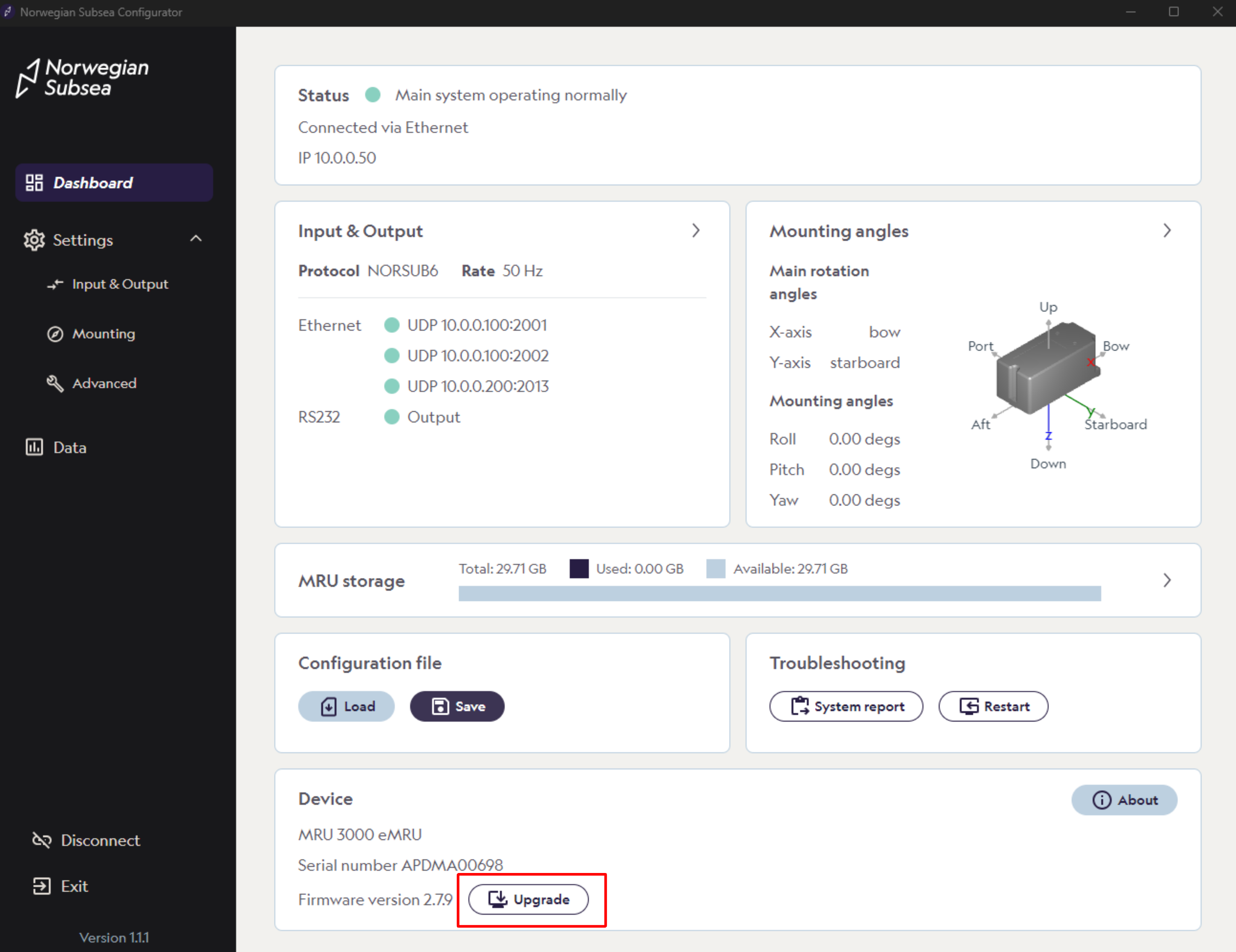
Click “Upgrade“ in the bottom section of the main dashboard
-
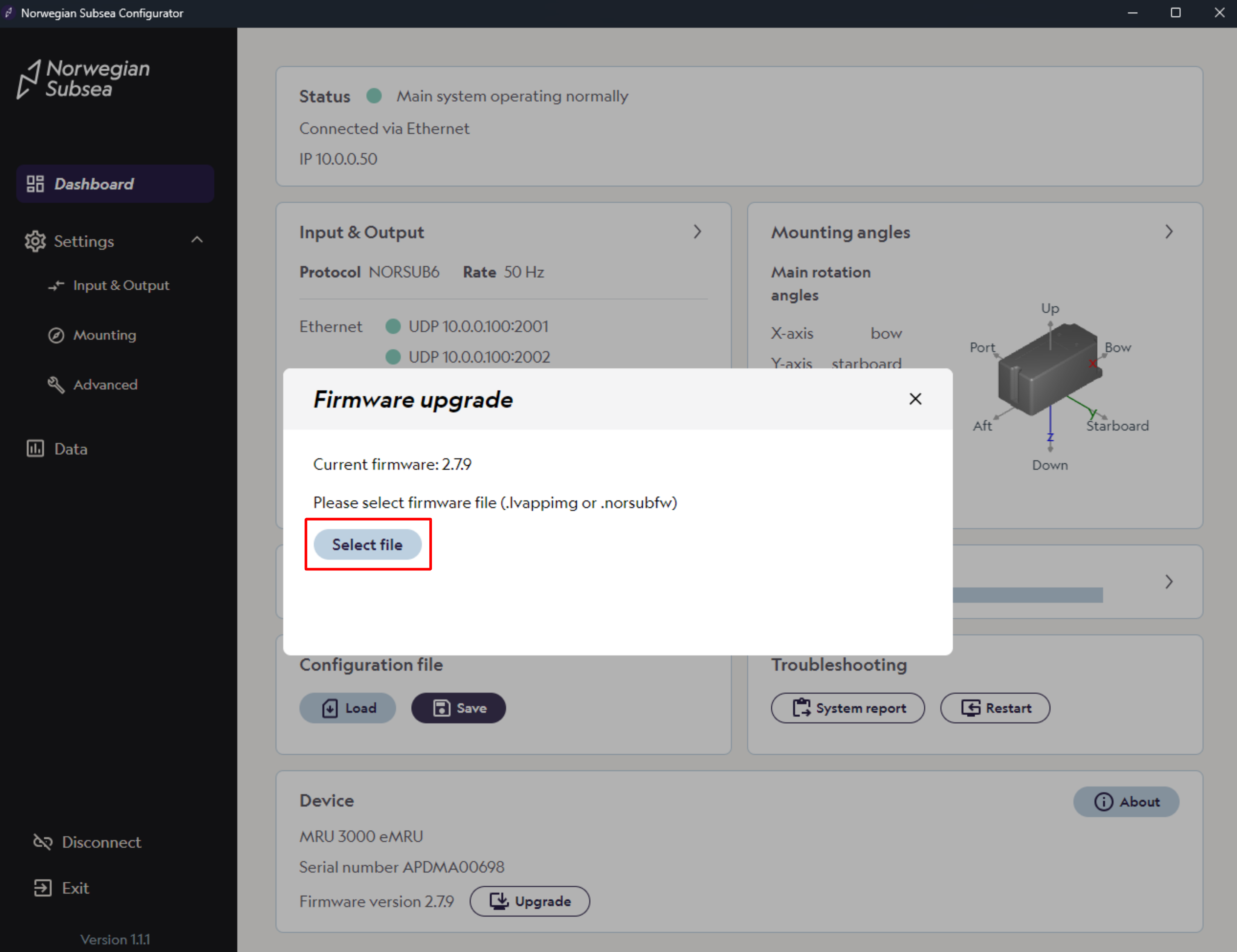
Then, click “Select file“, choose the downloaded firmware from your PC and start the firmware upgrade. Do not power off the MRU during the firmware updates. At the end of the update, the MRU will restart.
Ethernet only
Firmware updates are currently only supported via Ethernet.