
This page provides basic instructions on how to operate the MRU.
MRU configurator
Before getting started, you must download the Norwegian Subsea Configurator application (MRU configurator).
Starting the MRU
Follow this procedure when starting the MRU:
-
1. Turn power on. The MRU starts automatically when it is powered and will remain in operation as long as it is powered. For more information on the electrical interface for your MRU, see here.
-
2. After the MRU is started, it will take 3-5 minutes until optimal accuracy is achieved. In the start-up period, the status bytes shows that the MRU is in an initialization phase.
-
3. After the initialization phase, the status parameter STATUS_OK should be equal to 1, indicating that optimal accuracy is acheived. For more information about the status bytes and sensor health monitoring, see here.
Operating the MRU
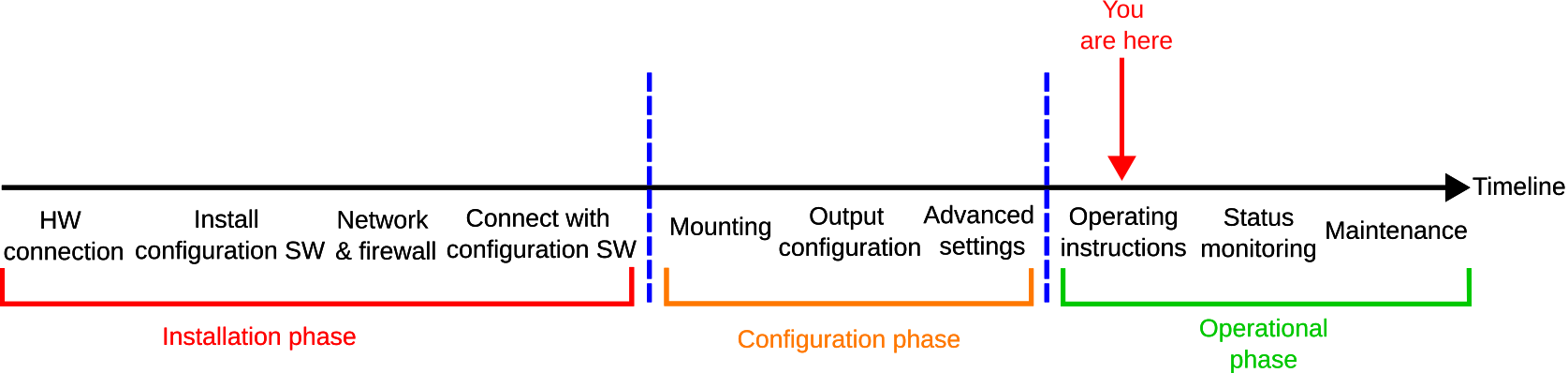
No user interaction is required in normal operation for a configured MRU. The MRU outputs measurement data, in the configured format and rate, to the specified port, e.g., ethernet or serial, once the MRU has been configured. If the settings are saved to the non-volatile memory, it will resume operation also after a power cycle with the configured settings. For more information on how to configure the MRU output data, see here. Note that the MRU can also be configured by commands via serial ports or telnet. For more information about the configuration commands, see here.
Turning off the MRU
Follow this procedure when turning off the MRU:
-
1. Disconnect the power to stop the MRU. The MRU will shut down safely after power is disconnected. Note that settings that are not saved to the non-volatile memory, are lost on the next power up.
Disconnect from MRU configurator
The recommended way to disconnect the MRU from the MRU configurator can be seen here.