
Configure advanced settings for your MRU such as use mode, time synchronization, geographical settings and tuning/filter settings.
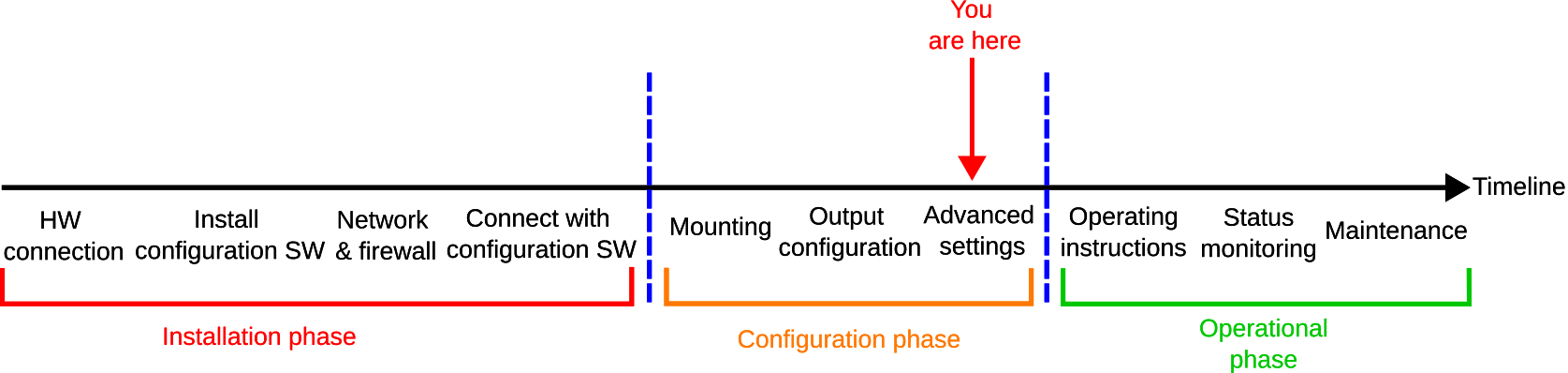
MRU configurator
Before getting started, you must download the Norwegian Subsea Configurator application (MRU configurator).
To configure advanced settings, do the following:
-
Open the MRU configurator and connect to your MRU
-
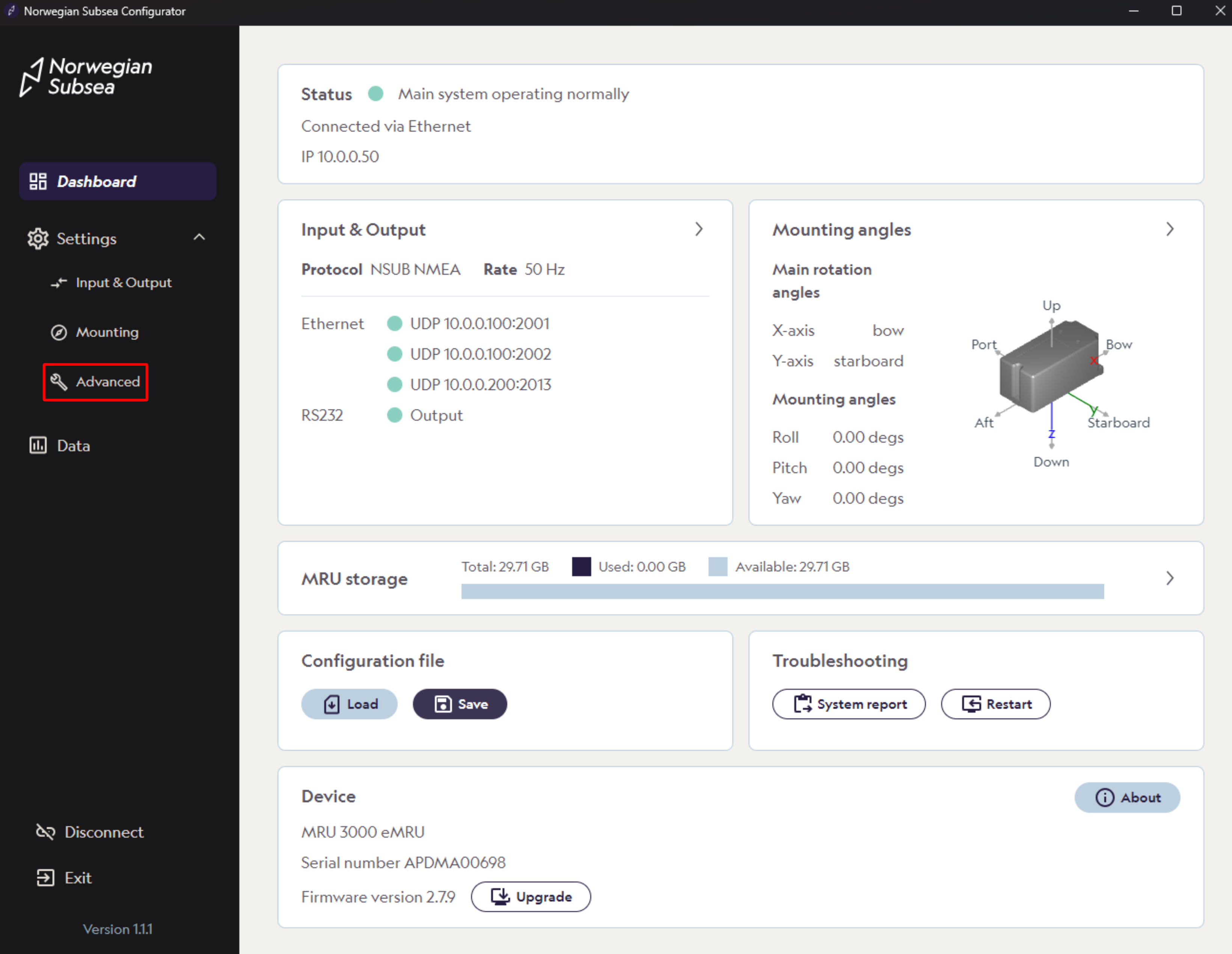
Click “Settings“ -> “Advanced“ in the left bar
-
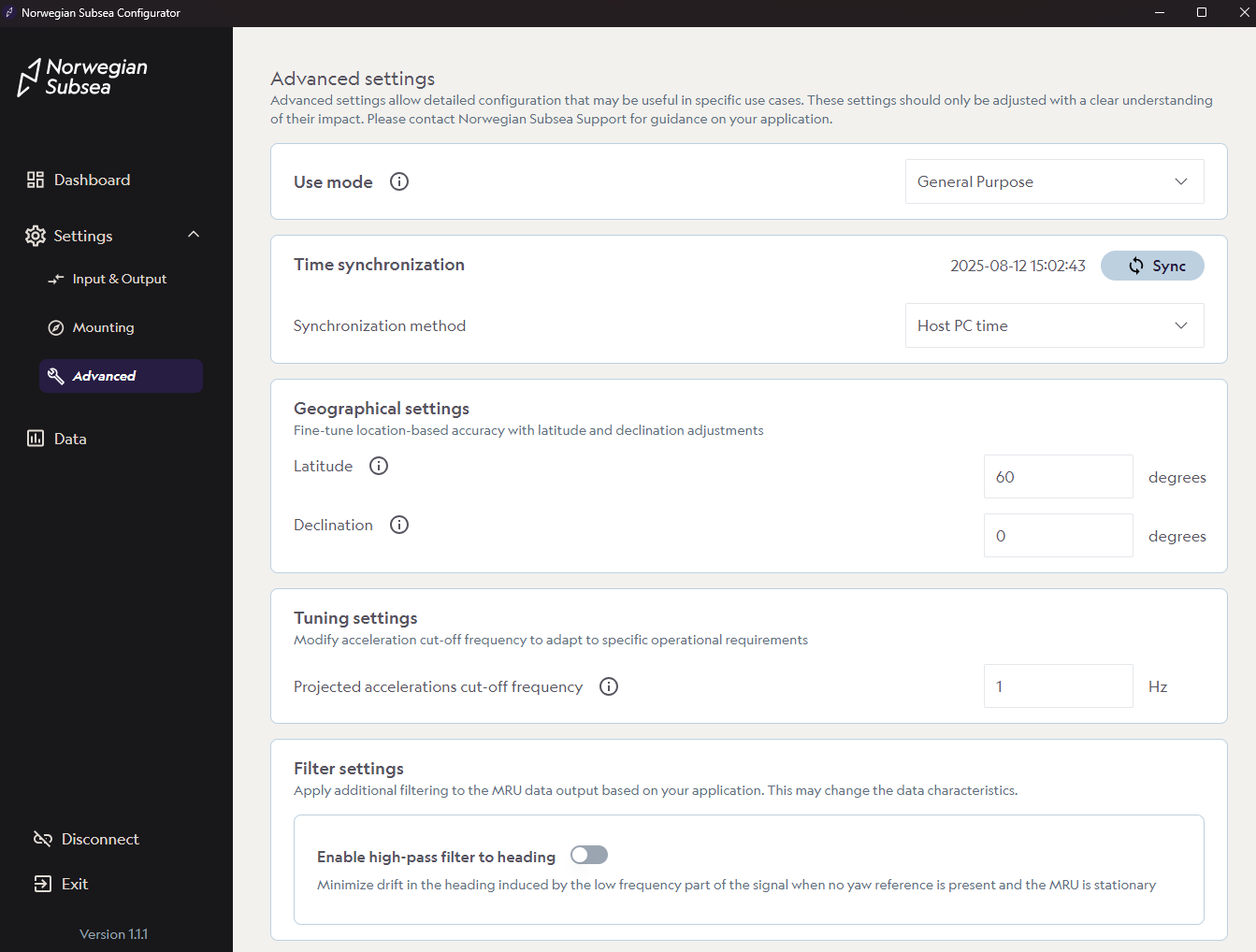
You will find several advanced settings available for configuration. For instructions and detailed information on each option, see the following sections:
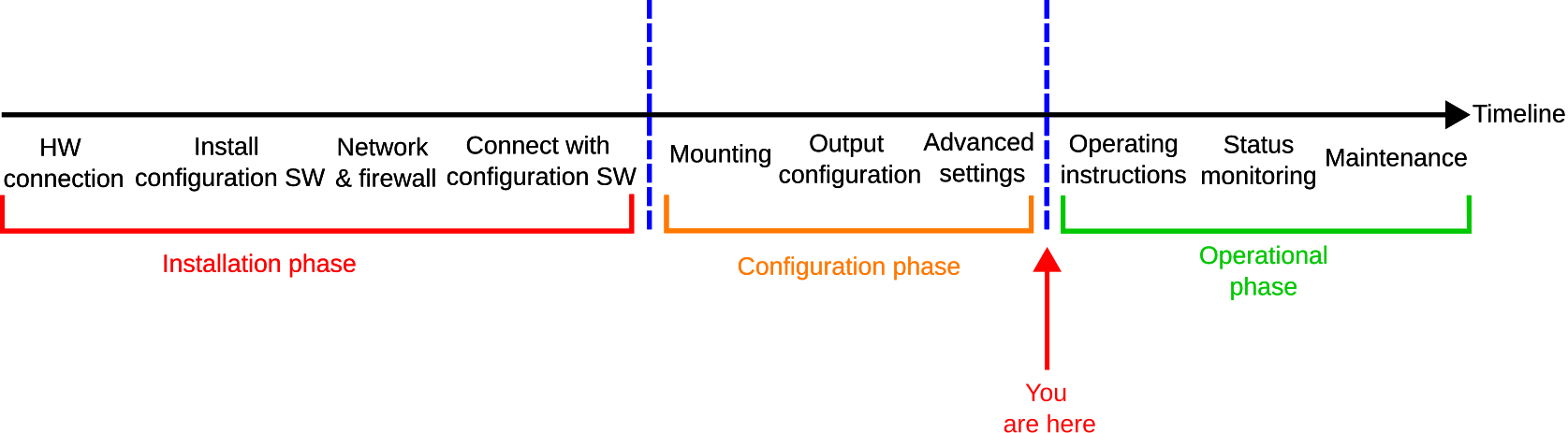
After completing the advanced settings, the installation and configuration of your MRU are finished. You can now monitor the MRU’s status and other relevant parameters during regular operation. For more details, see here.
Change default only if necessary
For most customers, it is not necessary to change the default values for many of the advanced settings (e.g., use mode, tuning, and filter settings). If you are unsure, please contact Norwegian Subsea Support for further guidance regarding your application.